1. Navigate to https://www.va.gov/
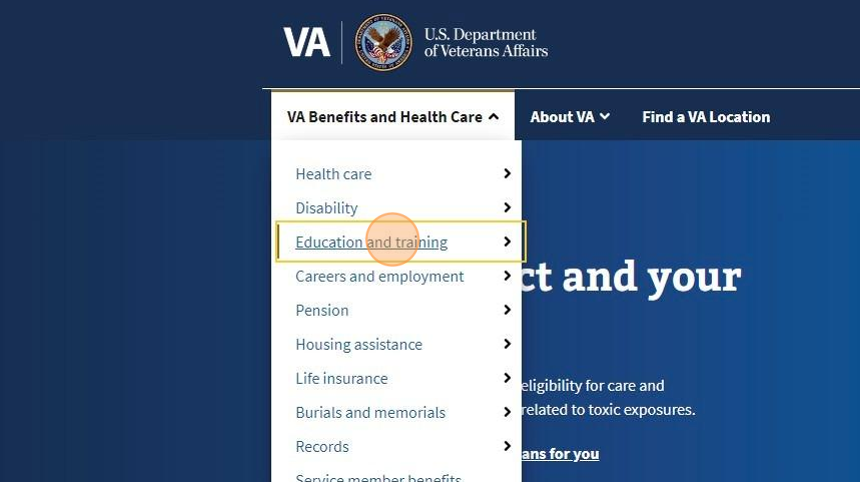
2. Select "VA Benefits and Health Care"

3. Click on the drop-down arrow and select "Education and Training"
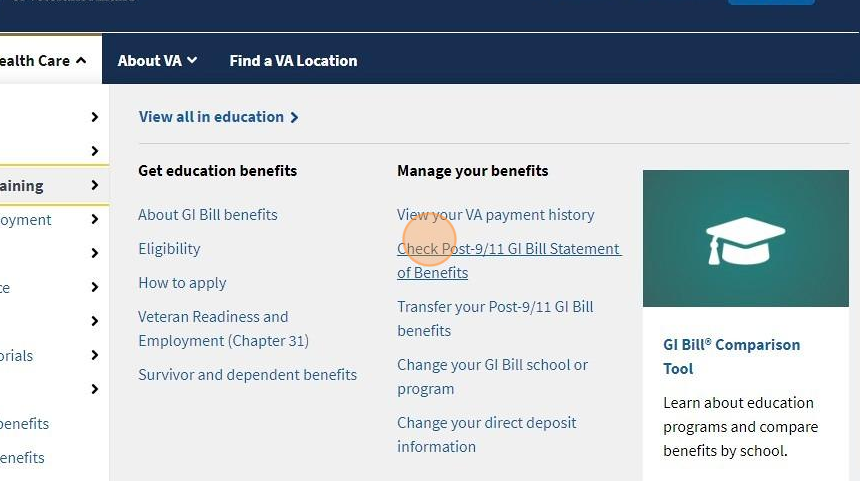
4. Next, select "Check Post-9/11 GI Bill Statement of Benefits"
5. Next, select "Sign in or create an account"
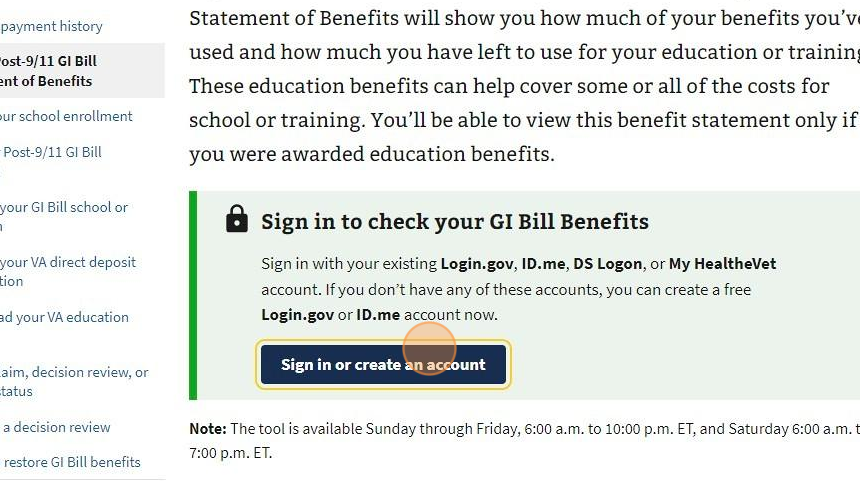
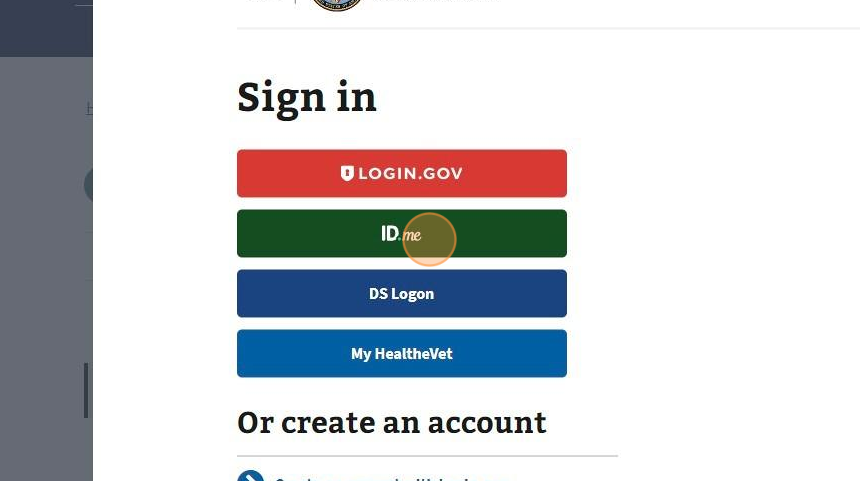
6. Choose one of the options listed for signing in.
7. Enter your email address and password.
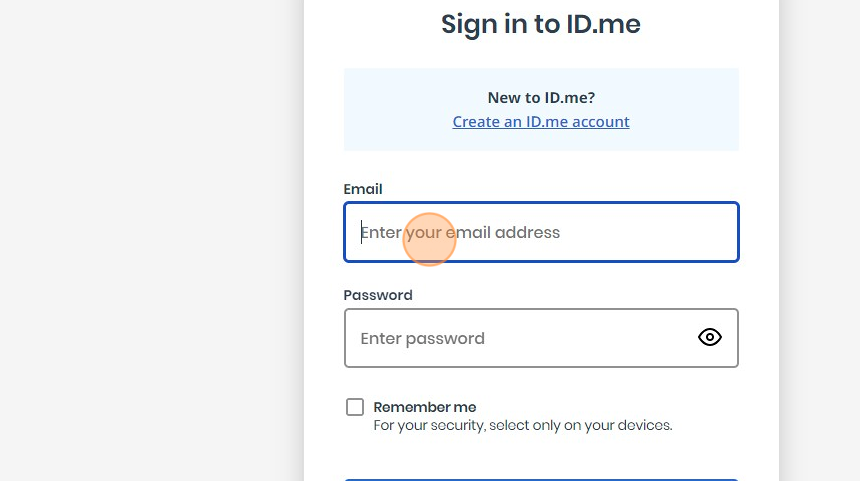
Alert: If you are not using a private device, DO NOT check the box "Remember me"
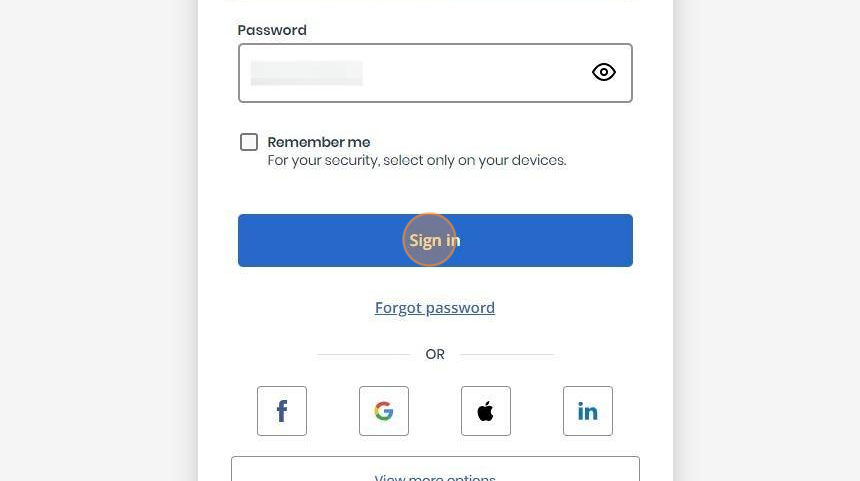
8. Once you have entered in your information, select "Sign In"
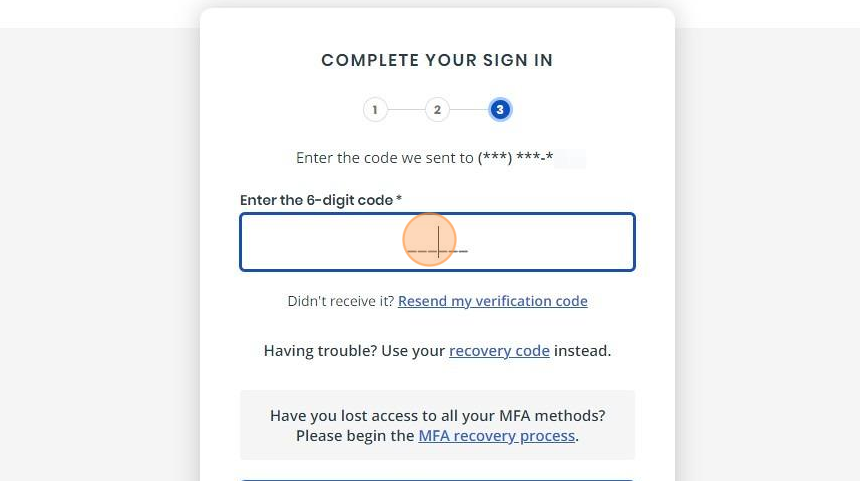
9. For security purposes and multi-factor authentication, a code will be sent via text to the phone number requested.
Enter your phone number and select "Continue"

10. Enter the 6-digit code into the box listed
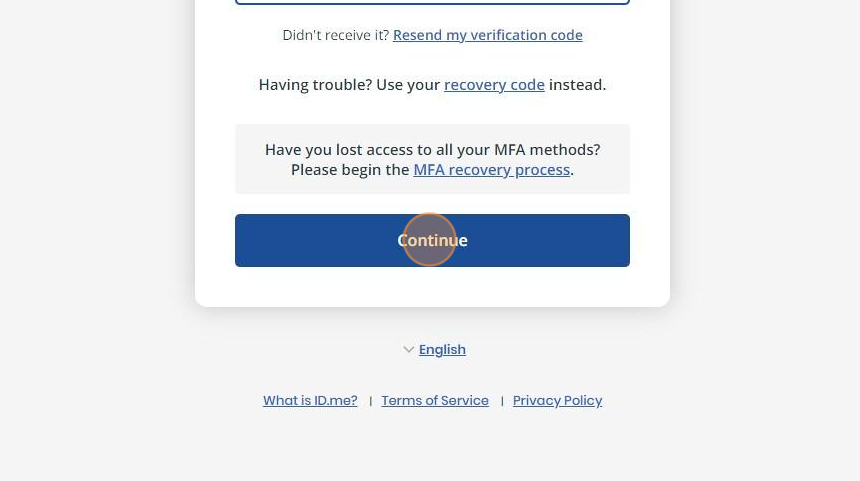
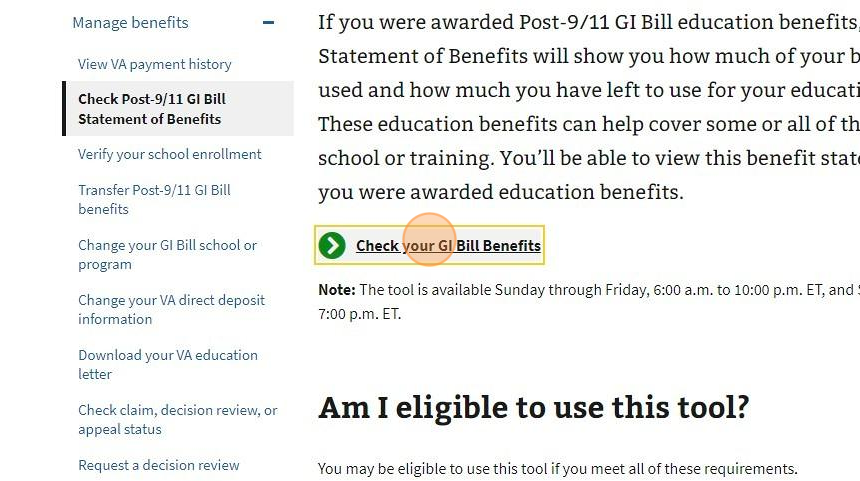
12. Select "Check your GI Bill Benefits" to continue
13. When your Benefits' page opens, select the "Get Printable Statement of Benefits" button
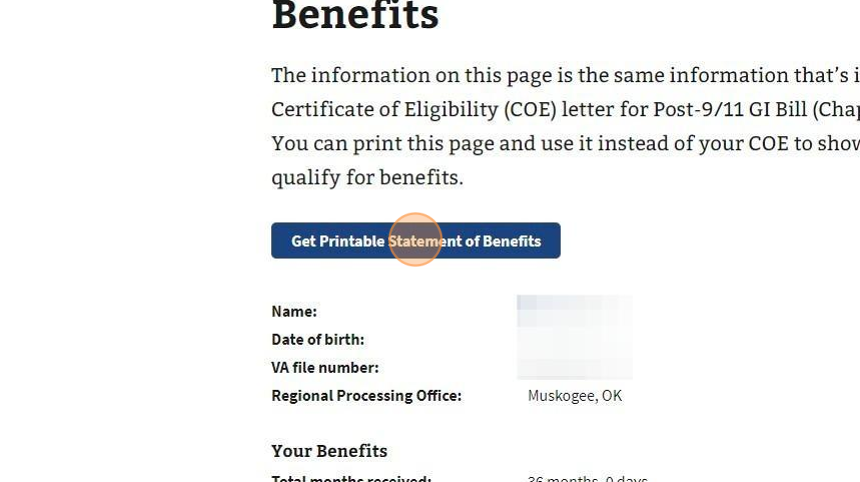
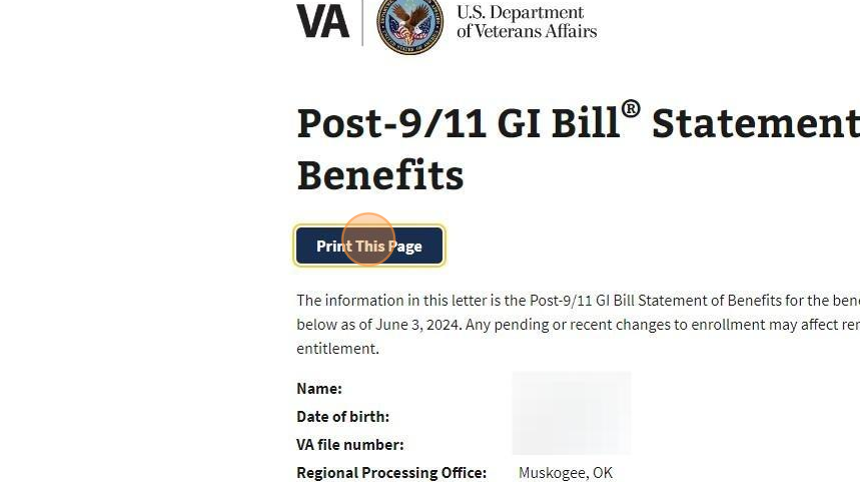
14. Once your Statement of Benefits opens, print this page by selecting "Print this Page"